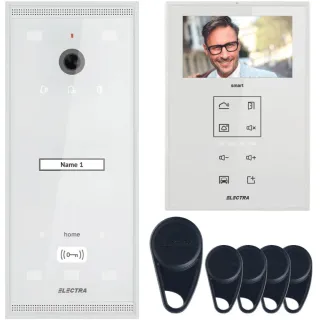
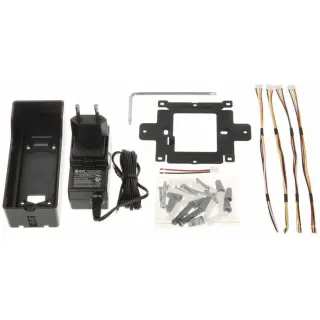
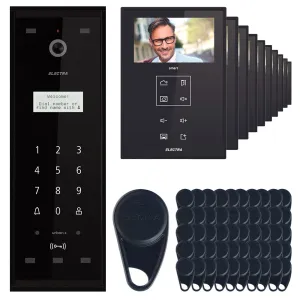
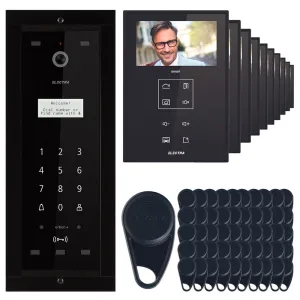
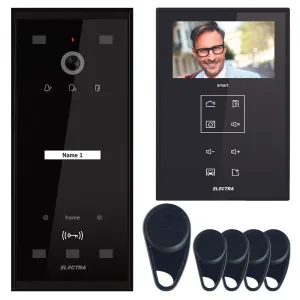
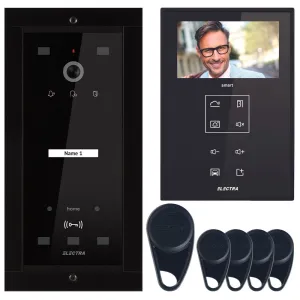
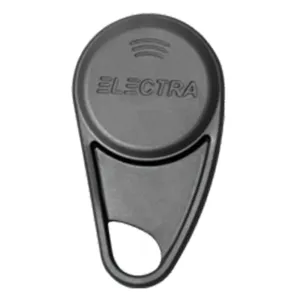
Category Video intercoms includes state-of-the-art residential and commercial access control equipment, consisting of external units with video camera, interior monitors and control modules for doors or automatic doors. These systems allow users to see, speak and decide whether to allow visitors access, directly from inside the building or even from the mobile phone, in the case of smart models. Modern video interfaces can be integrated with gate automations, barriers, GSM controllers and video surveillance systems, providing a complete security ecosystem.
What Video Intercoms Are
Access control systems with visual identification
Videointercoms combine video camera, microphone, speaker and control unit in a unique system.
Main role
Allow verification of the identity of the visitors and safe access control.
Where they are used
Private dwellings
Houses, villas, duplexes and apartments.
Residential buildings
Residential blocks and assemblies.
Commercial spaces and institutions
Offices, company offices, clinics, schools, warehouses.
How it works
Operating principle
The visitor calls from the outer panel, and the user sees the image on the monitor and can communicate audio-video.
Integrated Access Control
By pressing a button you can open doors, door or barrier.
Why Video Intercoms Are Important
Increased safety
Eliminate access based on assumptions.
Comfort and control
No physical movement is required for verification.
Advantages of use
- Clear visual identification of visitors
- Preventing unauthorised access
- Integration with gate and door automations
- Smart variants with access on the phone
- Increase in the value of property
Types of video intercoms
Analog videointercoms
Simple and reliable solutions.
Digital video intercom / IP
Superior video quality and network integration.
Video wireless intercoms
Quick installation, no complex wiring.
Smart Video Intercoms
Mobile application control.
Differences between types/models
Room resolution
Standard or HD / Full HD.
Connecting mode
On cable, IP or wireless.
Additional functions
Video recording, mobile application, multipoint control.
How to choose correctly
Important criteria
The type of building, the number of users and the desired level of security.
Useful recommendations
Choose models compatible with existing automations.
Installation and commissioning
Main steps
- Selecting the position of the outer panel
- Installation of the inner monitor
- Connecting to the gate/door
- Complete testing
Professional assembly
Ensures the correct functioning and quality of the video signal.
Maintenance and maintenance
Minimum required
Clean the room and check the connections.
Long lifespan
The modern components are durable and stable.
Common errors
- Choosing a model without gate compatibility
- Incorrect location of the room
- Undersize large building system
Professional recommendations
- Choose IP-protected video intercoms for outdoors
- Integrating them with port automations
- Opt for models with technical support and warranty
Frequently Asked Questions (FAQ)
-
What's a video?
A system that allows video communication and access control.
-
Can I open doors from the inside?
Yeah, right on the monitor or the phone.
-
Are there wireless variants?
Yeah, for quick installation.
-
Does it work at night?
Yes, with IR lighting.
-
Can they be integrated with automatic gates?
Yes, most models allow integration.
-
Can I see it from the phone?
Yeah, on smart IP models.