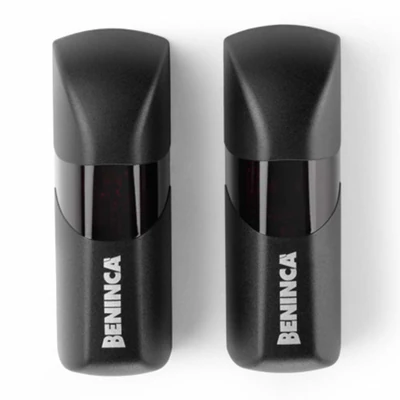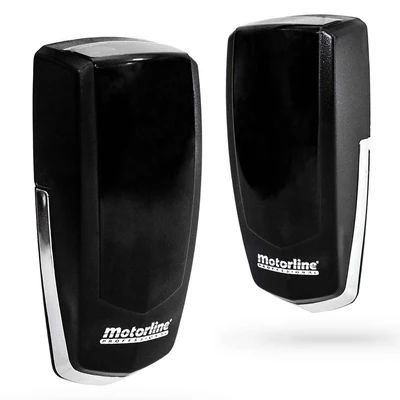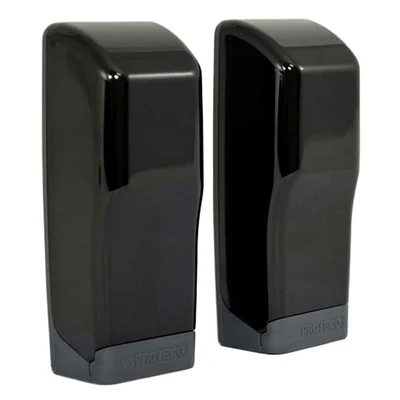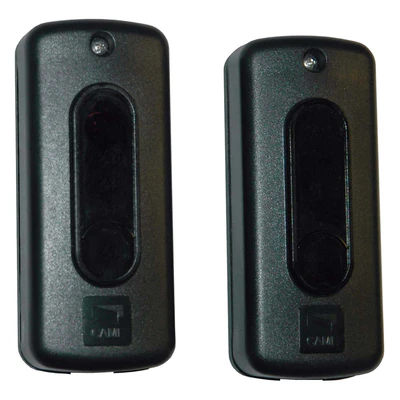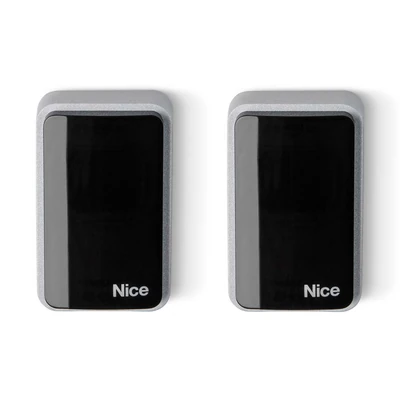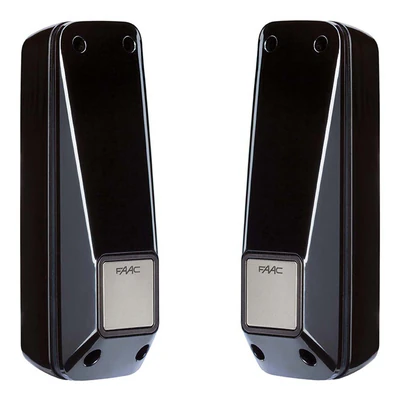
Adjustable photocell set Faac XP 20 D, radius 20 meters, 24 V
181,48 lei
In stock
in Request a quote – Adjustable photocell set Faac XP 20 D, radius 20 meters, 24 V See options – Adjustable photocell set Faac XP 20 D, radius 20 meters, 24 VWe use cookies strictly necessary for the operation of the site and, only with your consent, to remember the products seen and the YouTube videos. You can change your mind at any time from "Cookies Settings", in the page footer. Cookie policy
Technical advice: 021 450 60 70 · Delivery nationwide · Blog
Safety photocells are essential components for the protection of users and vehicles in the area of automated doors, doors or barriers.
181,48 lei
In stock
in Request a quote – Adjustable photocell set Faac XP 20 D, radius 20 meters, 24 V See options – Adjustable photocell set Faac XP 20 D, radius 20 meters, 24 V206,01 lei
Made to order
ord Request a quote – Photocell set Beninca PUPILLA See options – Photocell set Beninca PUPILLA422,57 lei
In stock
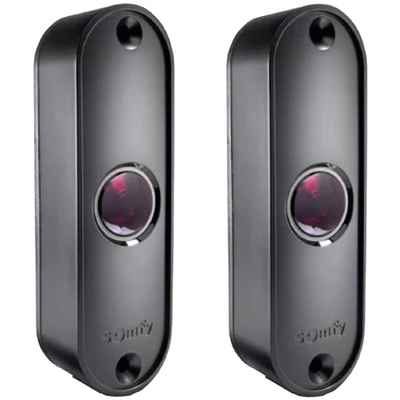
in Request a quote – Somfy Master Pro photocell set, radius 10 m See options – Somfy Master Pro photocell set, radius 10 m261,20 lei
Made to order
ord Request a quote – Came DIR10 outdoor photocell set, radius 10 meters See options – Came DIR10 outdoor photocell set, radius 10 metersWe didn't find any products for the chosen filters.
Category Safety photocells includes optical devices and sensors designed to detect the presence of objects or persons in the area of opening of doors and automatic doors. They ensure that the mechanism is stopped immediately when an obstacle occurs, preventing accidents and damage to equipment. The photocells are compatible with most engines and access control systems and can be integrated into smart home systems or complex automation solutions. The correct choice of photocells increases the safety, durability and comfort of users.
The photocells are optical or infrared devices that detect obstacles within the range of action. They transmit the signal to the central unit to automatically stop the door or gates.
Preventing accidents with persons or animals, protecting vehicles and maintaining the integrity of the automatic mechanism.
Ensures safety for the automatic opening and closing of doors, preventing accidents.
The photocells allow the safe operation of the barriers and automatic doors, managing traffic and preventing incidents.
Sensors send a beam of light between the transmitter and the receiver. If this beam is interrupted by an object, the control unit shall immediately stop the mechanism.
High safety, compatibility with various types of gates and doors, integration with smart home systems.
Photocells prevent accidents and damage to the automatic mechanism.
They extend the life of the automatic system and reduce frequent technical interventions.
Issue and receive an IR beam to detect obstacles.
They use visible light to detect the presence of objects.
Weather resistant and standard models for covered spaces.
Includes transmitter, receiver and mounting accessories for quick installation.
Standard models detect simple obstacles, advanced models allow integration with smart home systems and security alarms.
Important to check the type of portion and compatibility with the control unit for optimal operation.
Type of door or gate, installation medium, distance of detection, weather conditions.
Opt for certified photocells and comply with manufacturer's recommendations for assembly.
Mounting by qualified personnel ensures maximum safety and correct operation.
Cleaning lenses, checking cables and testing the beam.
Blocks, misalignment or sensor defects – corrected by adjustment or replacement.
Devices that detect obstacles and automatically shut the door or doors.
Some models are DIY, but we recommend professional installation for maximum safety.
Check the type of portion, the distance of detection and compatibility with the control unit.
Verification and cleaning every 6–12 months, depending on use.
Check the emitting-receptor alignment and lens cleaning; in case of malfunction, contact the technical service.
Yes, advanced models allow integration with mobile applications and smart home systems.
Get our offers and news once a month. You can unsubscribe at any time.