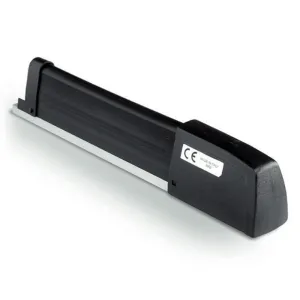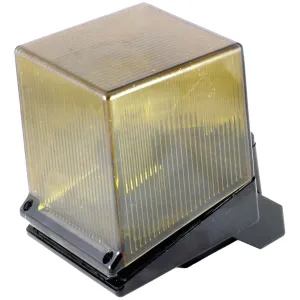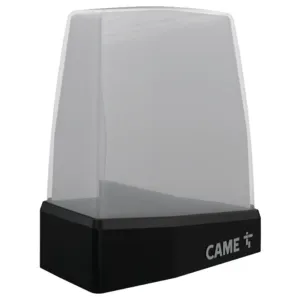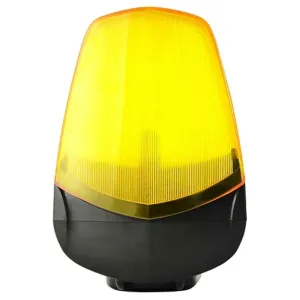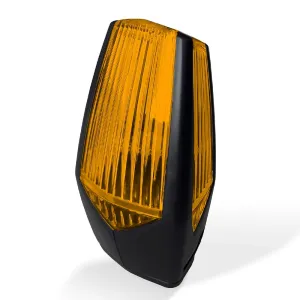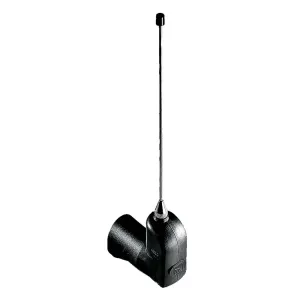
Came TOP-A433N antenna
106,77 lei
Made to order
Ord Request a quote – Came TOP-A433N antenna See options – Came TOP-A433N antennaWe use cookies strictly necessary for the operation of the site and, only with your consent, to remember the products seen and the YouTube videos. You can change your mind at any time from "Cookies Settings", in the sub-basement of the page. Cookie policy
Technical advice: 021 450 60 70 · Delivery throughout the country · Blog
Automation accessories includes all essential components that make automatic systems safer, more efficient and user-friendly.
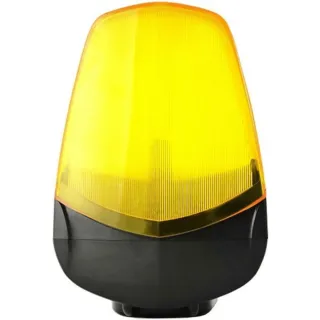 Flashing lights
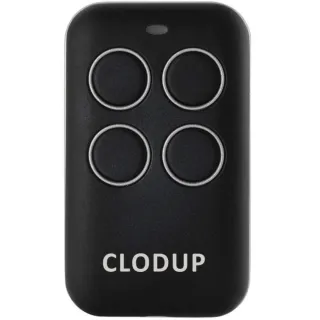 Remote controls
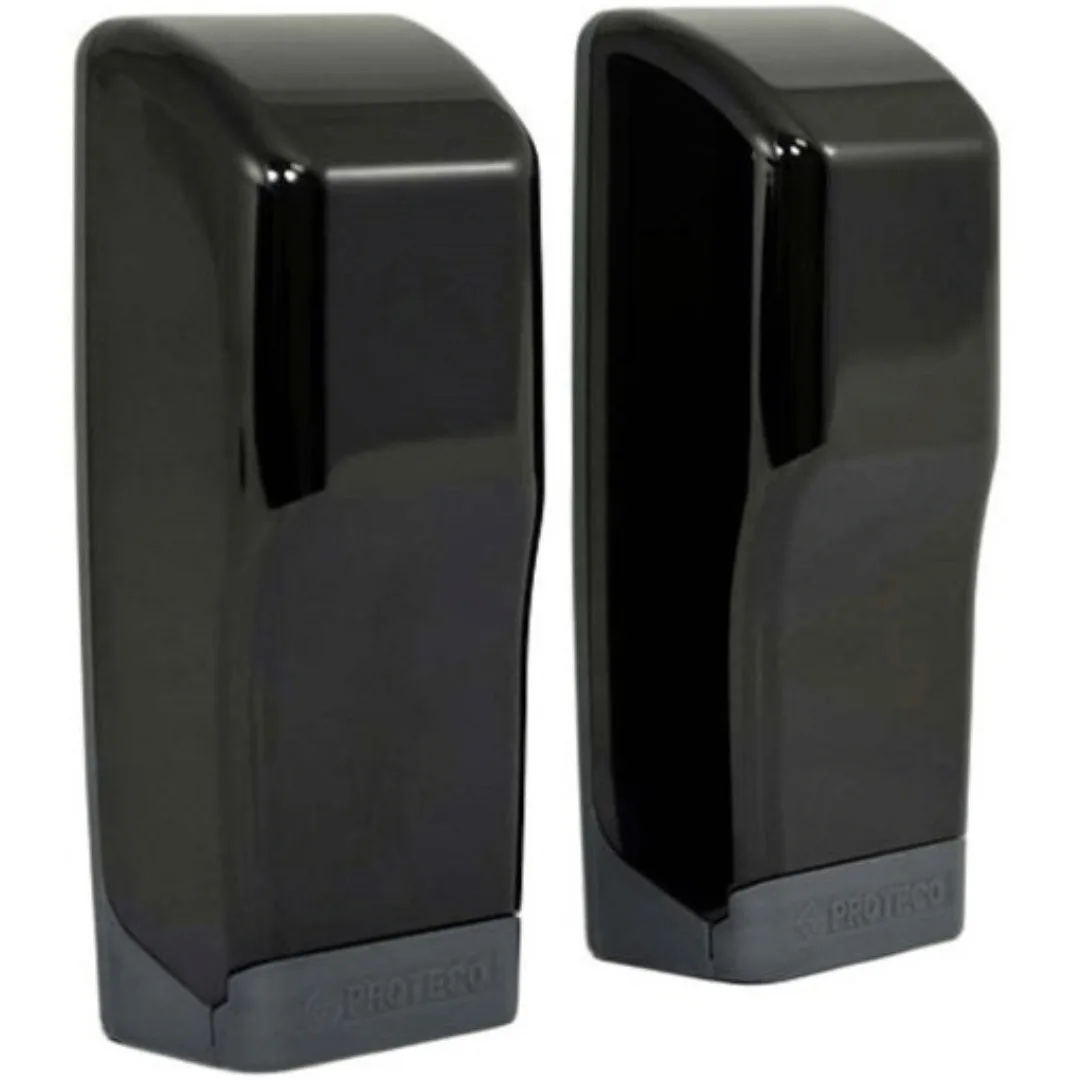 Safety photocells
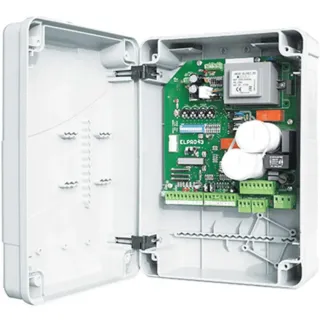 Control units
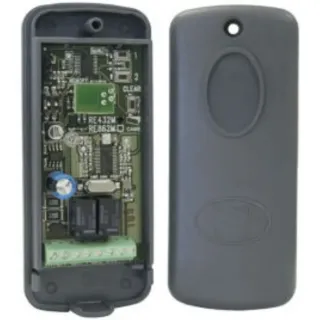 Radio receivers
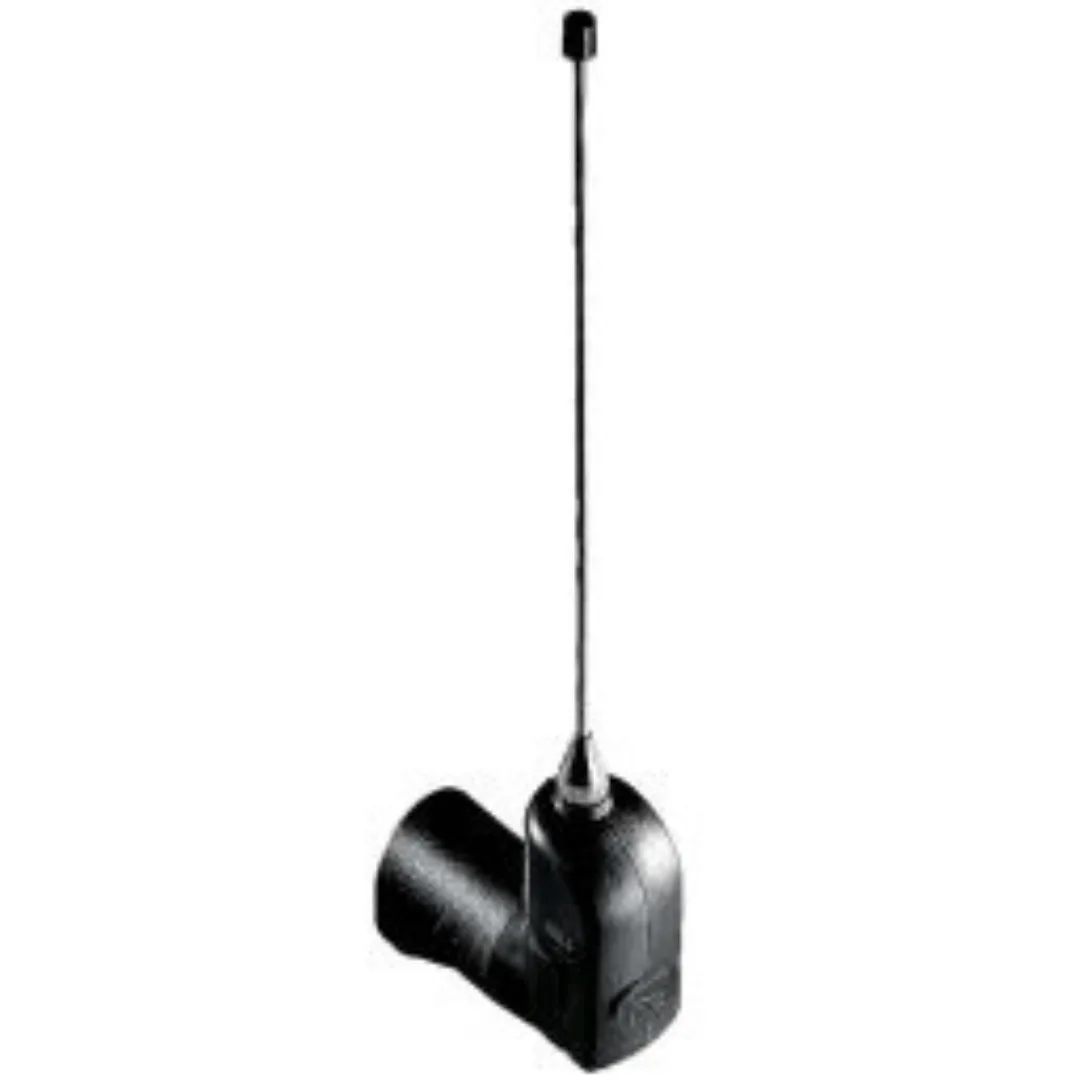 Radio antennas
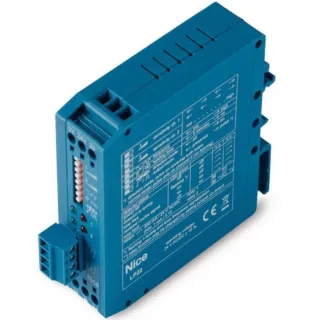 Metal mass detectors
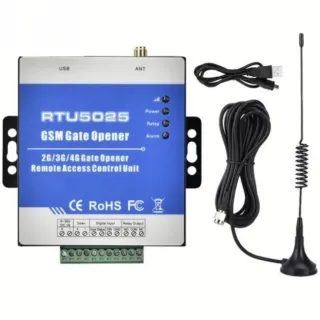 GSM controllers
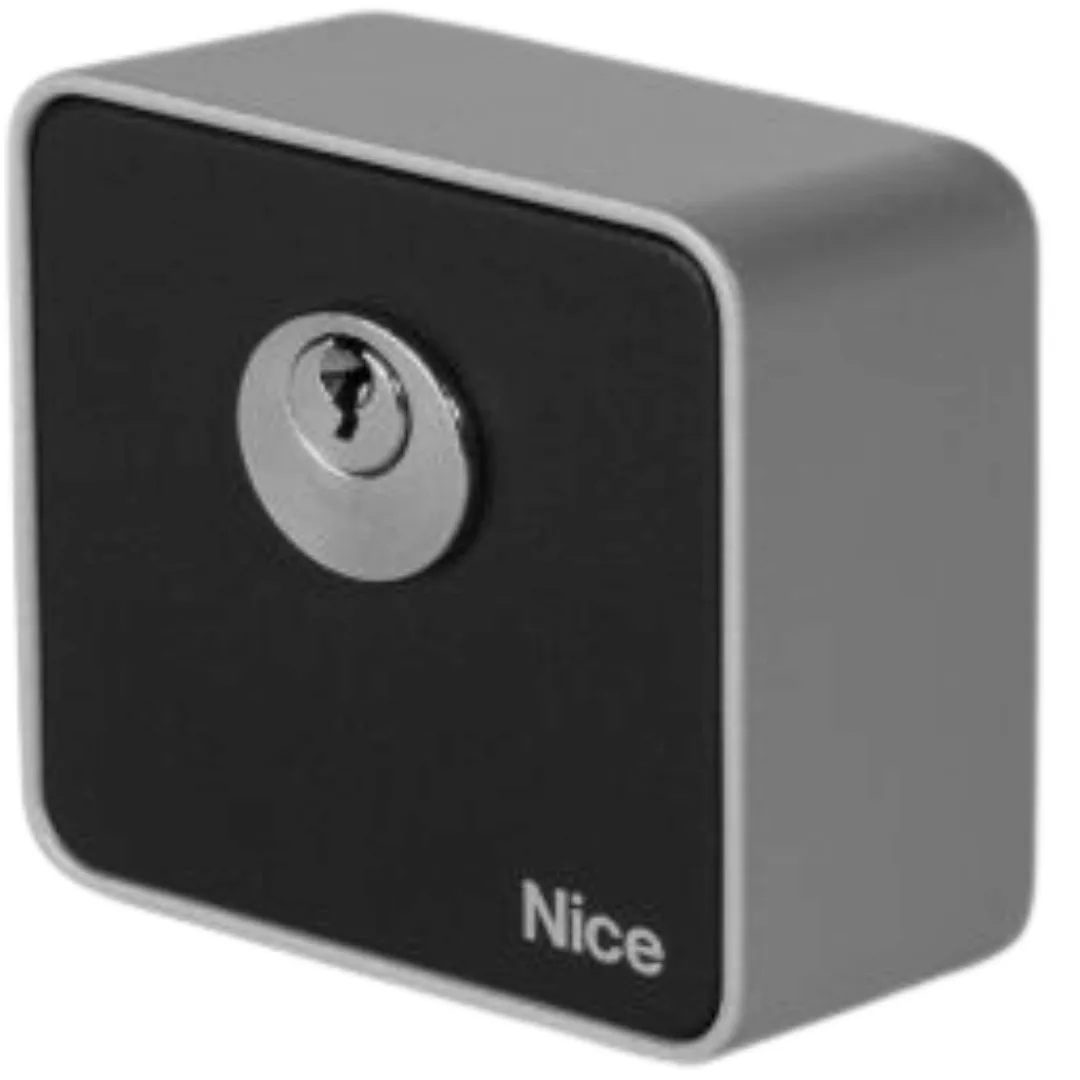 Key selectors
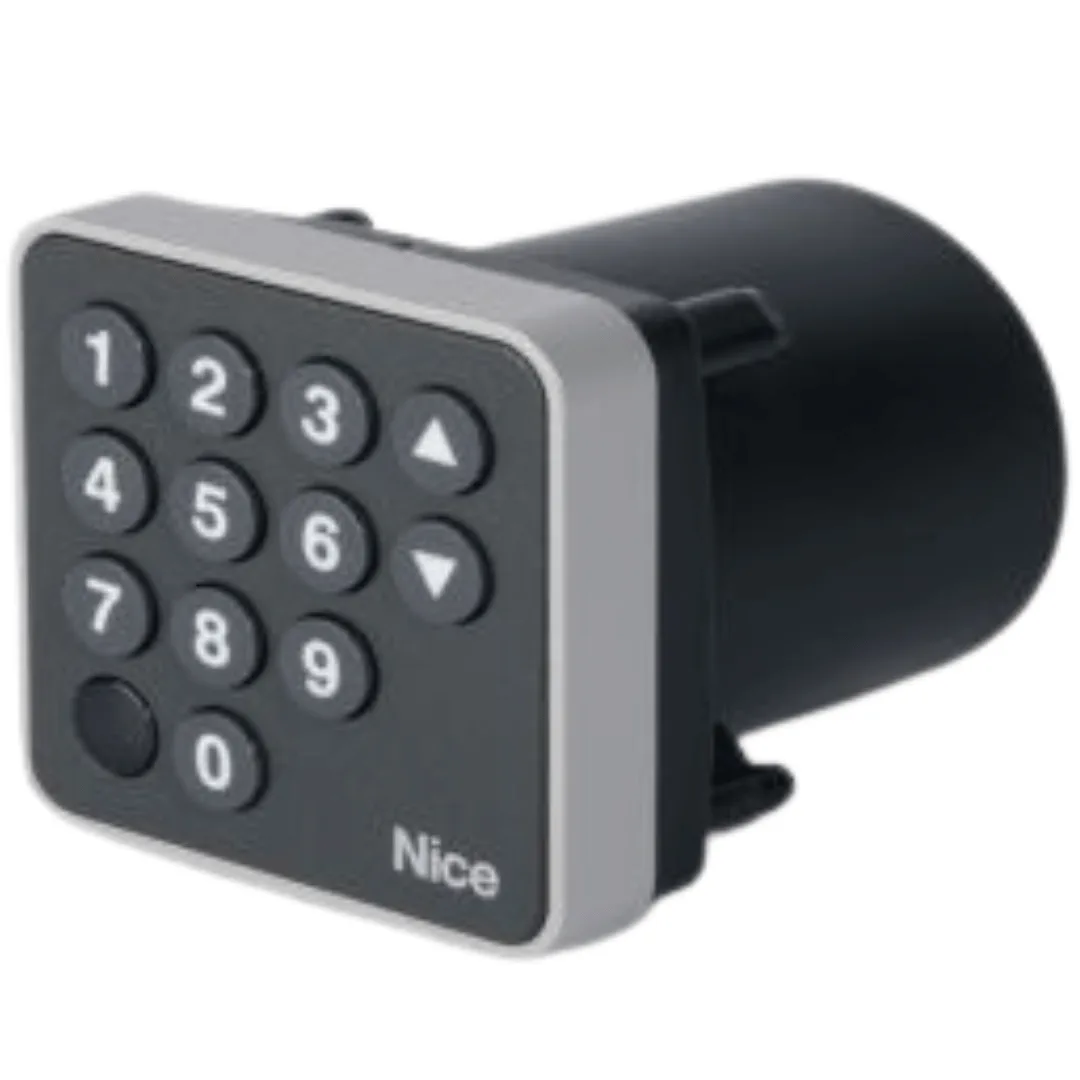 Keypad selectors
 Other interfaces
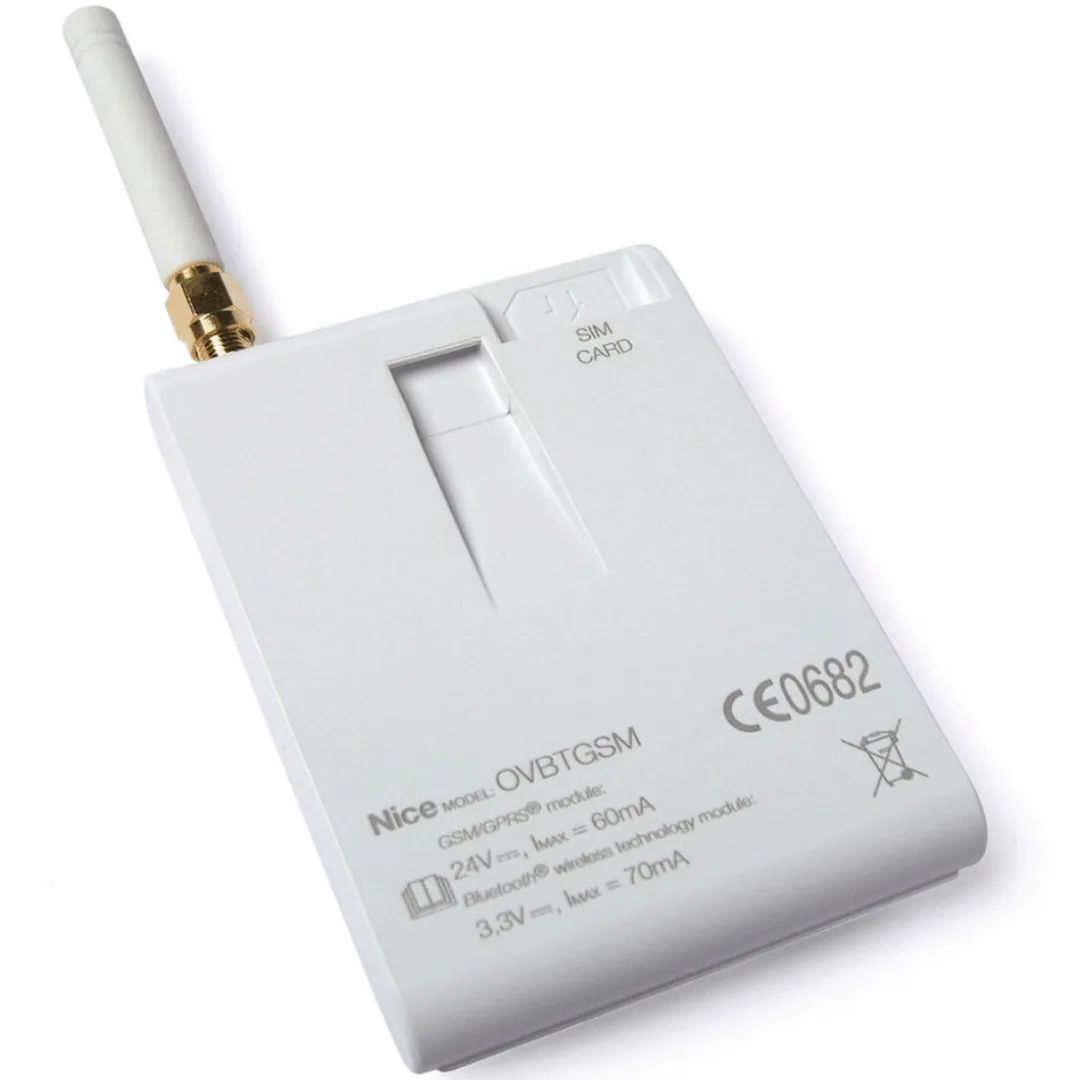 Transmitter modules
 Safety edges
 Other accessories
106,77 lei
Made to order
Ord Request a quote – Came TOP-A433N antenna See options – Came TOP-A433N antenna500,19 lei
Made to order
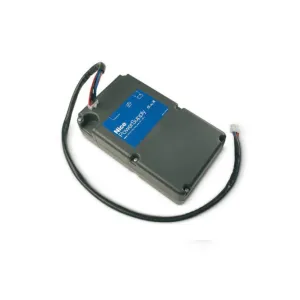
Ord Request a quote – Battery 24 Vcc Nice PS224, for operation in case of power failure See options – Battery 24 Vcc Nice PS224, for operation in case of power failure295,83 lei
In stock
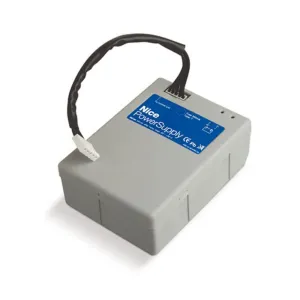
in Request a quote – Nice PS124, 24 V integrated charger battery for operation in case of power failure See options – Nice PS124, 24 V integrated charger battery for operation in case of power failure409,66 lei
Made to order
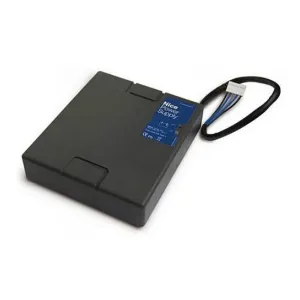
Ord Request a quote – Nice PS424 buffer battery, for operation in case of power failure See options – Nice PS424 buffer battery, for operation in case of power failure279,69 lei
In stock at the supplier
su Request a quote – Nice mechanical sensitive edge CMA 1.5MT, length 1.5 meters See options – Nice mechanical sensitive edge CMA 1.5MT, length 1.5 meters318,20 lei
In stock at the supplier
su Request a quote – Mechanical sensitive edge Nice CMA 1.7MT, length 1.7 meters See options – Mechanical sensitive edge Nice CMA 1.7MT, length 1.7 metersPrice on request
In stock at the supplier
su Request a quote – Nice CMA 2.5MT mechanical sensitive edge, 2.5 metres long See options – Nice CMA 2.5MT mechanical sensitive edge, 2.5 metres long335,15 lei
In stock at the supplier
su Request a quote – Nice CMA 2MT mechanical sensitive edge, length 2 meters See options – Nice CMA 2MT mechanical sensitive edge, length 2 meters11,44 lei
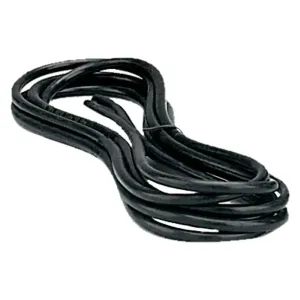
Made to order
Ord Request a quote – Cable for the Came TOP-RG58 antenna See options – Cable for the Came TOP-RG58 antenna750,91 lei
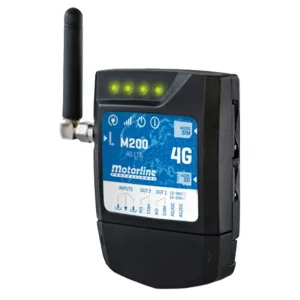
In stock
in Request a quote – GSM Controller and Bluetooth Motorline M200 See options – GSM Controller and Bluetooth Motorline M200867,99 lei
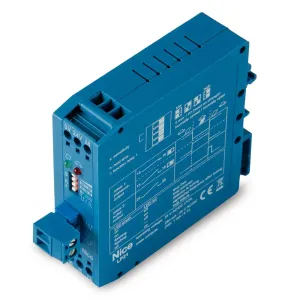
Made to order
Ord Request a quote – Metal mass detector with 1 channel Nice LP21, 24 V See options – Metal mass detector with 1 channel Nice LP21, 24 V1.251,04 lei
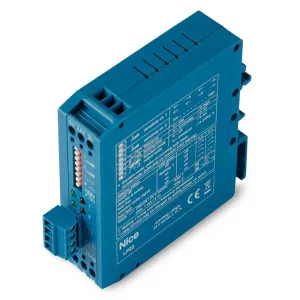
Made to order
Ord Request a quote – Metal table detector with 2 channels Nice LP22, 24 V See options – Metal table detector with 2 channels Nice LP22, 24 V548,52 lei
Made to order
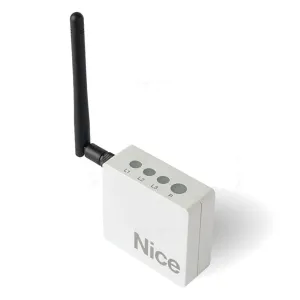
Ord Request a quote – Nice IT4WIFI Wi-Fi control interface See options – Nice IT4WIFI Wi-Fi control interface950,29 lei
Made to order
Ord Request a quote – Nice PROVIEW multifunctional interface See options – Nice PROVIEW multifunctional interface410,46 lei
Made to order
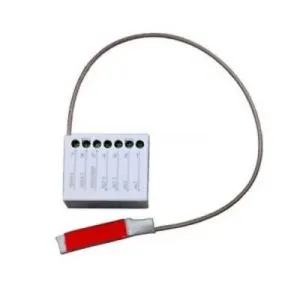
Ord Request a quote – Nice IRW sensitive edge interface See options – Nice IRW sensitive edge interface397,01 lei
Made to order
Ord Request a quote – Nice PS524, 7 Ah battery charger See options – Nice PS524, 7 Ah battery charger250,94 lei
In stock
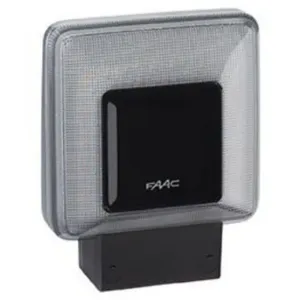
in Request a quote – Faac FAACLED signalling lamp, 24 V See options – Faac FAACLED signalling lamp, 24 V322,47 lei
In stock
in Request a quote – Faac XLED signal lamp, 24 V, 230 V, with built-in antenna See options – Faac XLED signal lamp, 24 V, 230 V, with built-in antenna142,24 lei
Made to order
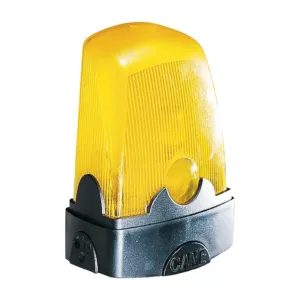
Ord Request a quote – Signalling lamp Came KLED See options – Signalling lamp Came KLED198,62 lei
Made to order
Ord Request a quote – Came KLED24 signalling lamp See options – Came KLED24 signalling lamp351,05 lei
Made to order
Ord Request a quote – Signalling lamp Came KRX 806LA-0020, 24 - 230 V, white See options – Signalling lamp Came KRX 806LA-0020, 24 - 230 V, whiteWe didn't find any products for the chosen filters.
Automation accessories are additional components that complement automatic gate and door systems. They allow for proper functioning, user safety and adaptation of the system to specific needs.
These accessories are indispensable in:
Each accessory has a precise role:
The automation accessories increase safety, extend the life of the systems and allow the customization of functionality for various residential or industrial applications.
The type of accessory shall be chosen according to:
Choose accessories according to specific needs:
Correct installation by a specialist ensures optimal functioning and prevent defects. Ensures correct alignment of sensors and integration with control units.
The initial advice ensures the correct choice and avoidance of subsequent problems, increasing the sustainability and safety of the automated system.
Automation accessories are additional components that complement and improve the operation of automation systems for gates, doors or garages.
Among the most common accessories are photocells, signalling lamps, remote controls, control stations, access control systems, sensors and safety elements.
Accessories ensure user safety, correct access control and optimal operation of automation under all conditions.
Not all accessories are universal. Compatibility depends on the type of automation, engine marking and system technical specifications.
Yes, in most cases accessories can be added later to improve safety or comfort of use.
Some accessories, such as photocells or obstacle-stopping systems, are mandatory for compliance with safety rules.
Photocells, sensitive margins, obstacle sensors and warning lamps contribute to accident prevention.
Yes, periodic verification of accessories ensures the correct functioning and prolongation of the life of the entire system.
Remote controls, photocells, sensors and mounting accessories.
Some components can be installed DIY, but professional assembly is recommended for safety and functionality.
Check engine type, port type and manufacturer specification.
Recommended review every 6–12 months, depending on the frequency of use.
Check batteries, signal and compatibility; if the problem persists, contact the technical service.
Yes, advanced models allow integration with mobile applications and smart home systems.
Get our offers and news once a month. You can unsubscribe at any time.