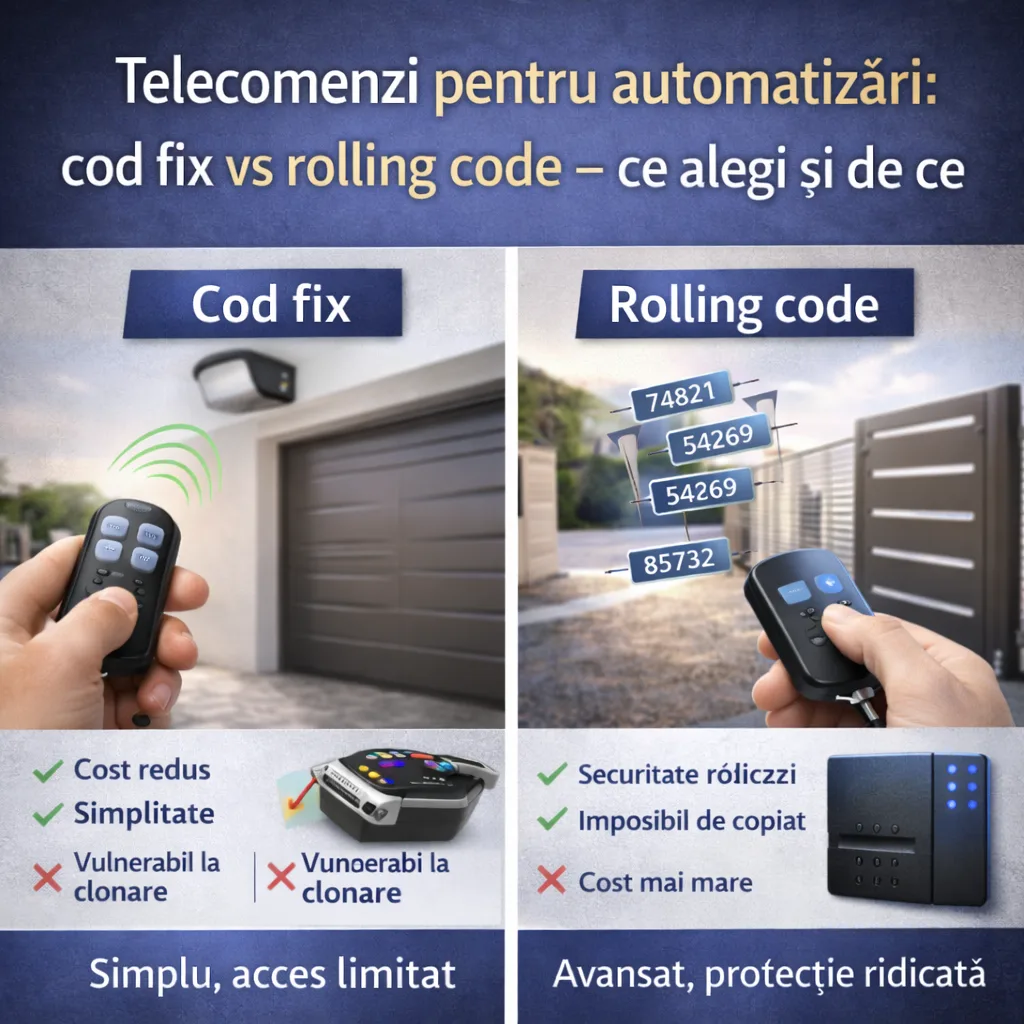
Remote controls for automation: code fix vs rolling code – what you choose and why
Do you need help choosing?
Tell us what you need and we'll send you the offer on the same working day.
Remote controls for automation doors or garage doors are not all the same. The choice between fixed code and rolling code influences the security and functioning of the system. In this guide we explain the differences, the advantages and when it is worth choosing for each type.
What are remote controls for automation
The remote controls are devices that allow remote control of the doors, doors or garage doors. They shall transmit signals to the automation plant, triggering the opening or closing of the mechanism.
Fixed code
How it works
The remote always transmits the same code to the power station.
Advantage
- Reduced cost
- Simplified configuration
Disadvantage
- Vulnerable to cloning
- Less safe in high risk areas
When to recommend
- Private properties with reduced traffic
- Low-security risk areas
Rolling code
How it works
Each remote control press generates a new code, synchronized with the power station.
Advantage
- High security
- Impossible to copy hackers
- Ideal for areas with intense traffic or strategic objectives
Disadvantage
- Higher cost
- A little more complex initial configuration
When to recommend
- Access to public or semi-public automatic gates
- Multi-user automation
- Premium or secured residential buildings
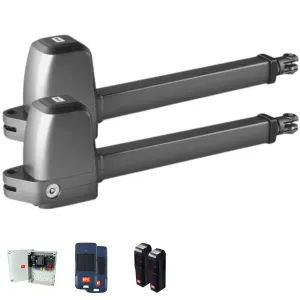
Other accessories useful for automation
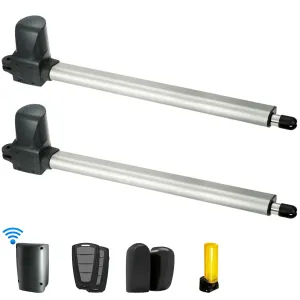
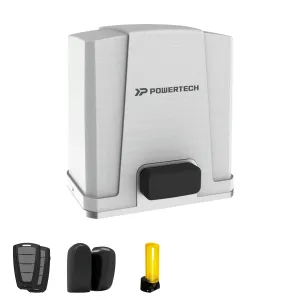
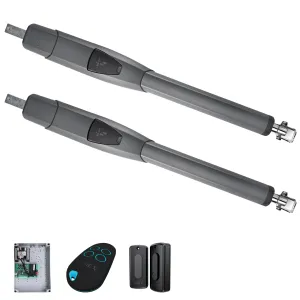
- Photocells: anti-stripping or anti-lock safety
- Signalling lamps: visual warning for the movement of the gate
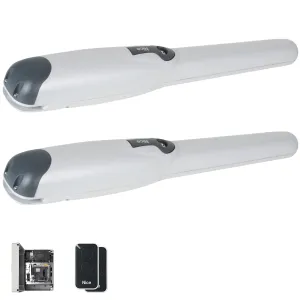
- Central: control unit that manages signals
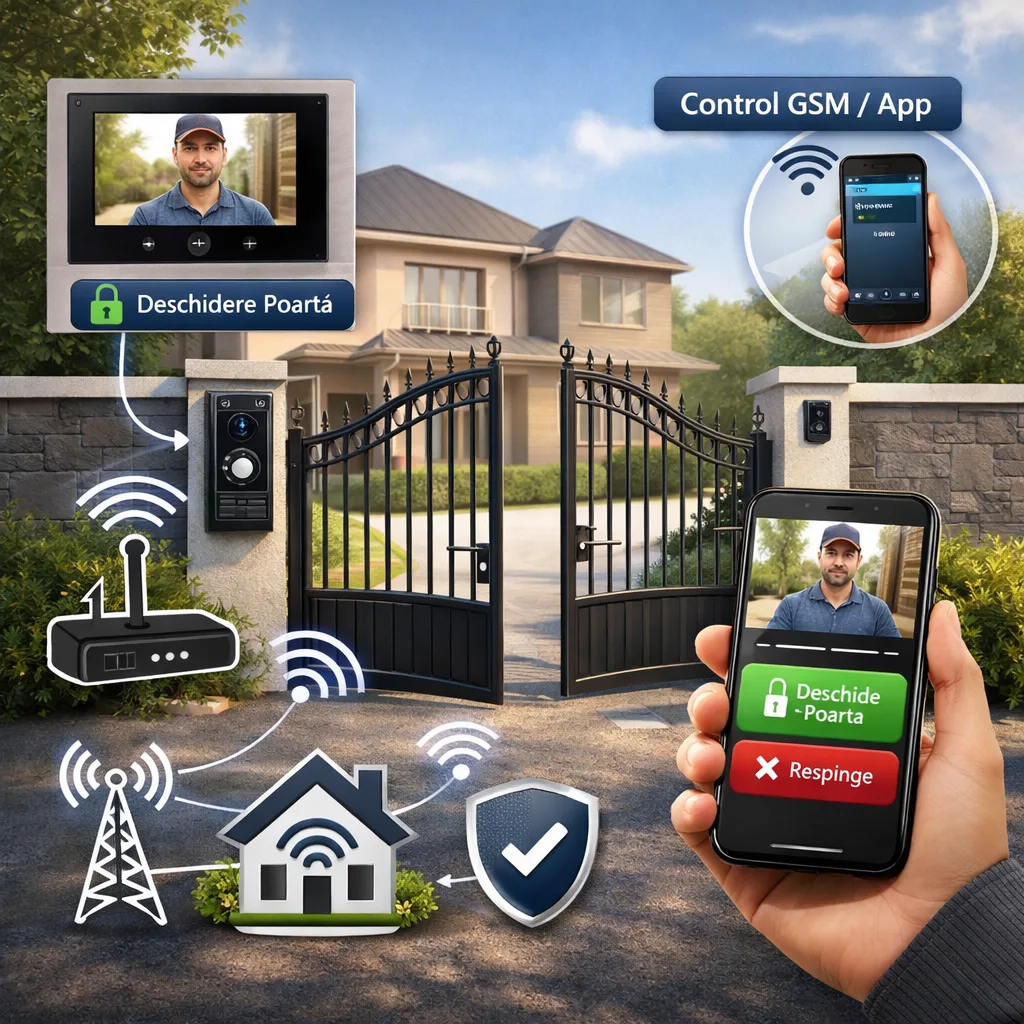
- GSM module: mobile phone control and notifications
How to choose the right remote
Essential criteria
- Type of automation (battle gate, back door, garage door)
- The desired level of security
- Number of users
- Budget available
Recommendations
- For high security, opt for rolling code
- If there is low traffic and low risk, the fixed code can be sufficient
- Checks remote control compatibility with existing power station
Installation and configuration
Main steps
- Remote control programming according to the central manual
- Remote operation test
- Signal verification and interference
- Configuration of additional users
Professional installation
Ensures safety, smooth operation and protection against interference.
Conclusion
Choosing the correct remote control depends on the security required and the type of automation. Rolling code provides advanced protection and is recommended for most modern applications, while the fixed code can be used in simple, low-risk situations. Do not forget to take into account the compatibility and number of users for an optimal experience.